web 2.0
Showing posts with label amazingphoto. Show all posts

Tuesday, January 19, 2010

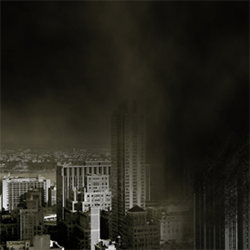
Twister in the City


Photoshop Tutorials - Photo Manipulation

This tutorial will explain how to create an effect involving gigantic twisters (as seen in the film, "The Day After Tomorrow"), and a dissolve effect that goes along with it. You will learn to take a normal city on a nice day and turn it into a havoc and wreaked scene with terrible storms and destroyed buildings.

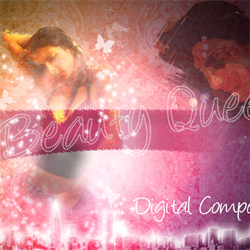
Fashion Wallpaper


Photoshop Tutorials - Photo Manipulation

Fashion Wallpaper Photoshop Tutorial This tutorial will help you create a fashion wallpaper with several techniques. It also shows you the effectiveness of default Photoshop brushes & blend modes, and how you can use them to greatly improve artwork

TRON Grid


Photoshop Tutorials - Text Effects

TRON Grid Photoshop TutorialIn this tutorial we will create a 3D grid effect as seen in the new movie trailers for TRON Legacy. You will learn how to fake a 3D environment using perspective, and create all sorts of shiny glass type effects, not to mention a nifty text effect that can be used for a variety of projects.

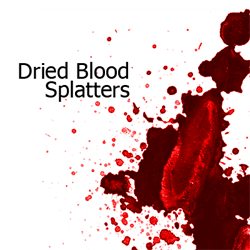
Dried Blood Splatters Photoshop Brushes


Photoshop Downloads - Photoshop Brushes

Dried Blood Splatters Photoshop BrushesThese splatter brushes were created with watercolor dried on lightweight paper to simulate the look of dried blood. Like our Glossy Blood Splatter Photoshop brushes, these can be used to create blood, paint, or paint in UV light. This set contains 117 blood splatter brushes.

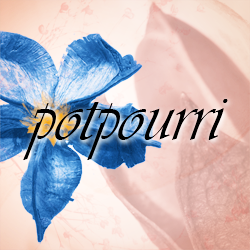
Potpourri Photoshop Brushes

Photoshop Downloads - Photoshop Brushes

Potpourri Photoshop Brushes We created this set of 207 Photoshop brushes using several packages of potpourri.
These dried natural ingredients are great for fantasy and surreal photo manipulation

Macro Photography

Macro_Mode_Symbol
Ever wonder what that little flower looking icon on your camera did?

It’s actually a really fun and impressive mode to shoot photos in. The mode is called “Macro” and is commonly known for shooting close-up photography. When shooting in Macro mode, you can get really crisp and detailed photos of the object you are photographing. Depending on your lens you can get a small portion in focus while the rest is blurred to make the object you want to focus on stand out. It’s a great mode to shoot flowers, insects, food to show texture or anything you want to see details of. Try it out and check out our Macro category!